|
Same Face, Every Frame
Upload a reference photo and tell us what you want to see. Our NSFW Reference to Video AI generates videos that keep the exact same face — same eyes, same jawline, same person — across every single frame. No censorship. No identity drift. Just the character you chose, doing exactly what you described.
Drag & Drop / Click to upload
Drag and drop your image here, or click to browse files to begin!
What Is Reference to Video?
Reference to Video is a new way to create AI videos where you control exactly who appears on screen. Instead of describing a person with words and hoping the AI gets it right, you simply upload a photo of the face you want — and the AI builds the entire video around that identity.
Think of it like casting an actor for a movie. You pick the face, you write the scene, and the AI does the rest. The result is a video where the character looks like the same person from start to finish — no matter how the camera angle changes, no matter what they're doing.
This is different from regular text-to-video, where the AI invents a random face every time. It's also different from face swap, which pastes a face onto existing footage and often looks unnatural. Reference to Video builds the person into the scene from the ground up, so everything — lighting, shadows, expressions — looks like it belongs.
How It Compares
| Feature | Reference to Video | Text to Video | Face Swap |
|---|---|---|---|
| Face Control | Upload any face photo | Random / prompt-based | Paste onto existing video |
| Identity Consistency | Same person every frame | Drifts between frames | Often mismatched lighting |
| Natural Look | Built into the scene | Varies by prompt | Can look pasted on |
| NSFW Support | Fully supported | Usually blocked | Limited |
See It in Action
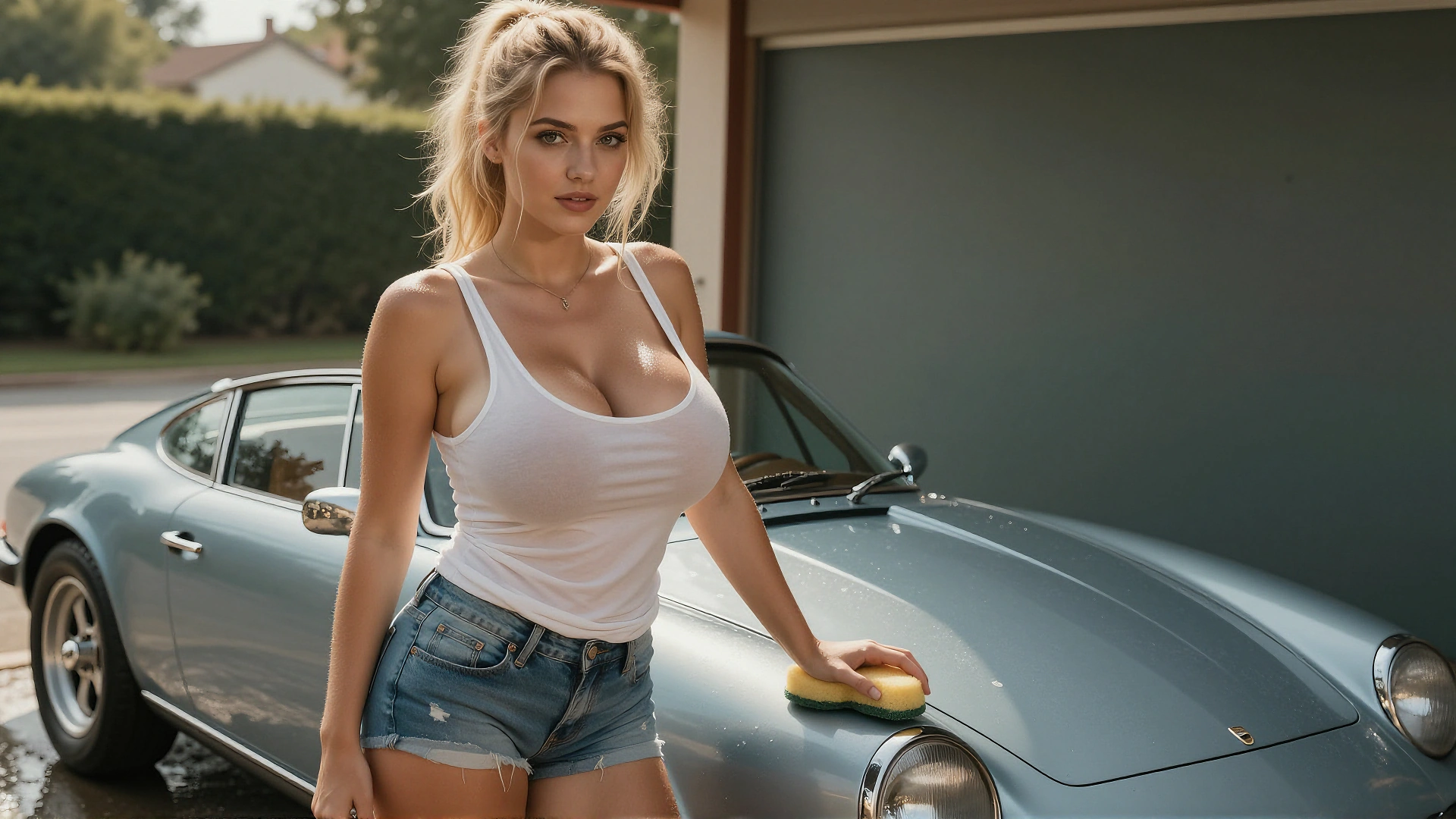
Each row shows the reference inputs on the left and the generated video on the right. Hover or tap to play.
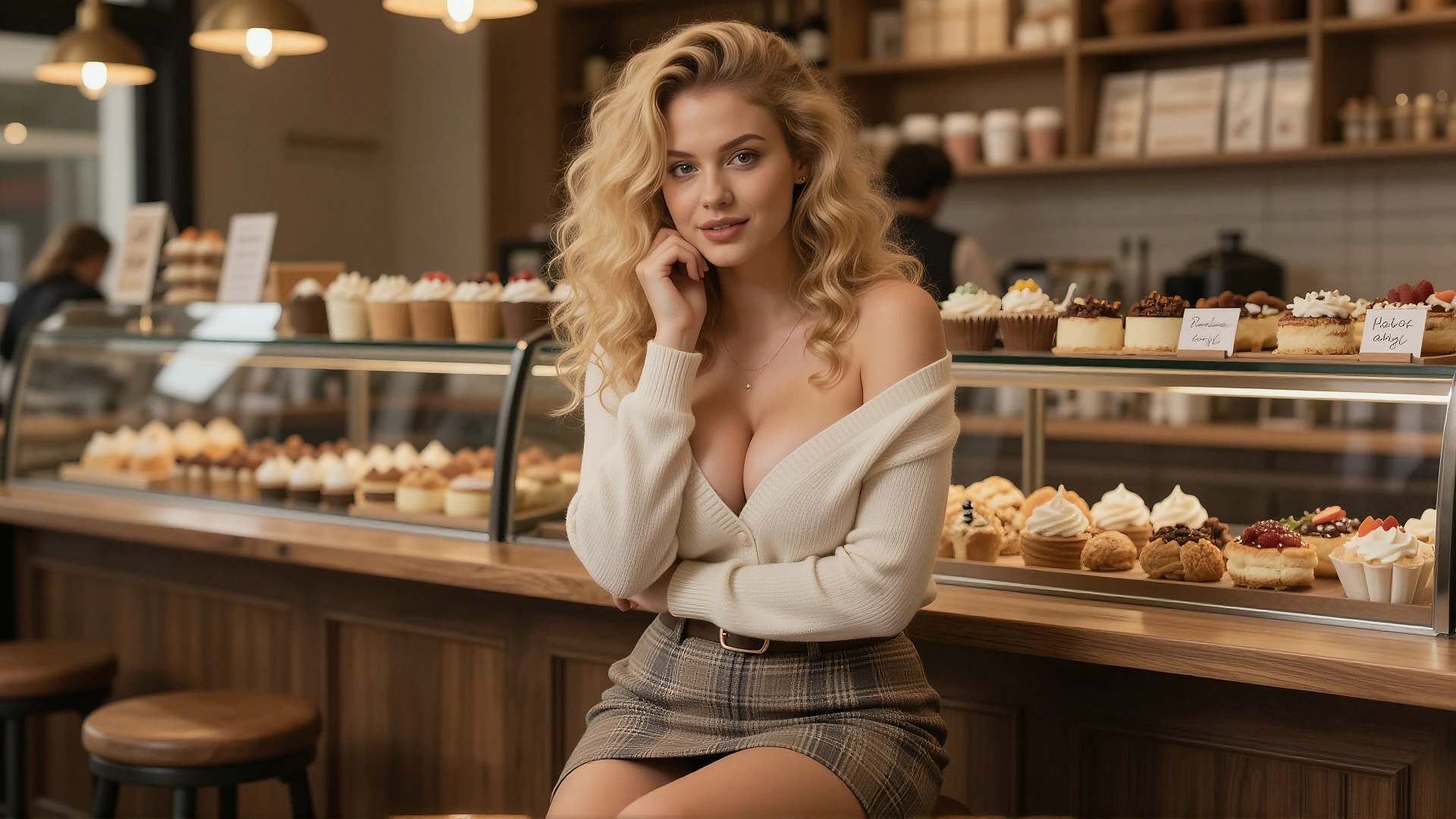
Two girls are in the living room. One girl is feeding the other a small cake.
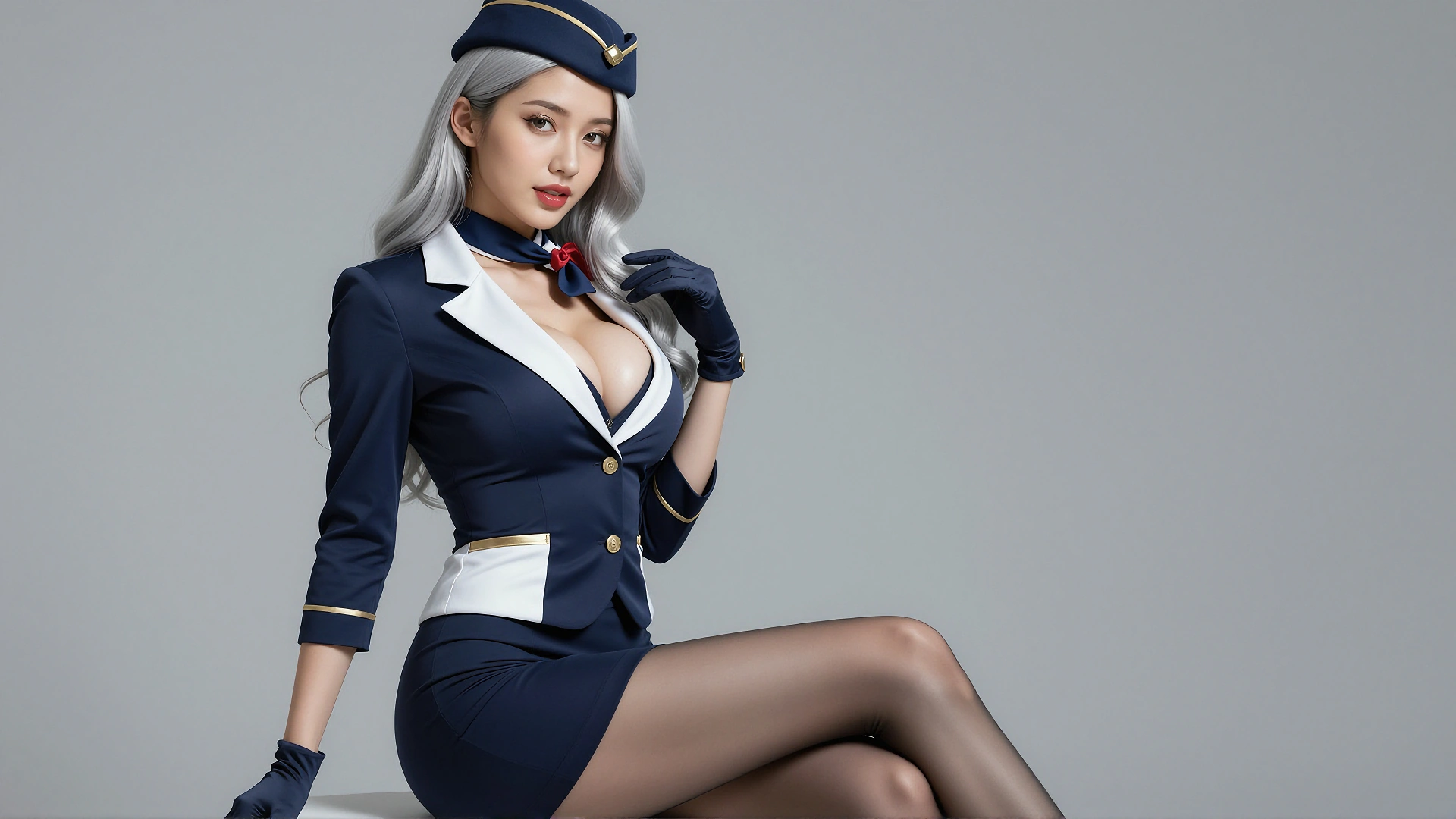
The woman stood in the cabin, unbuttoned her coat, and danced with her hands on her hips.
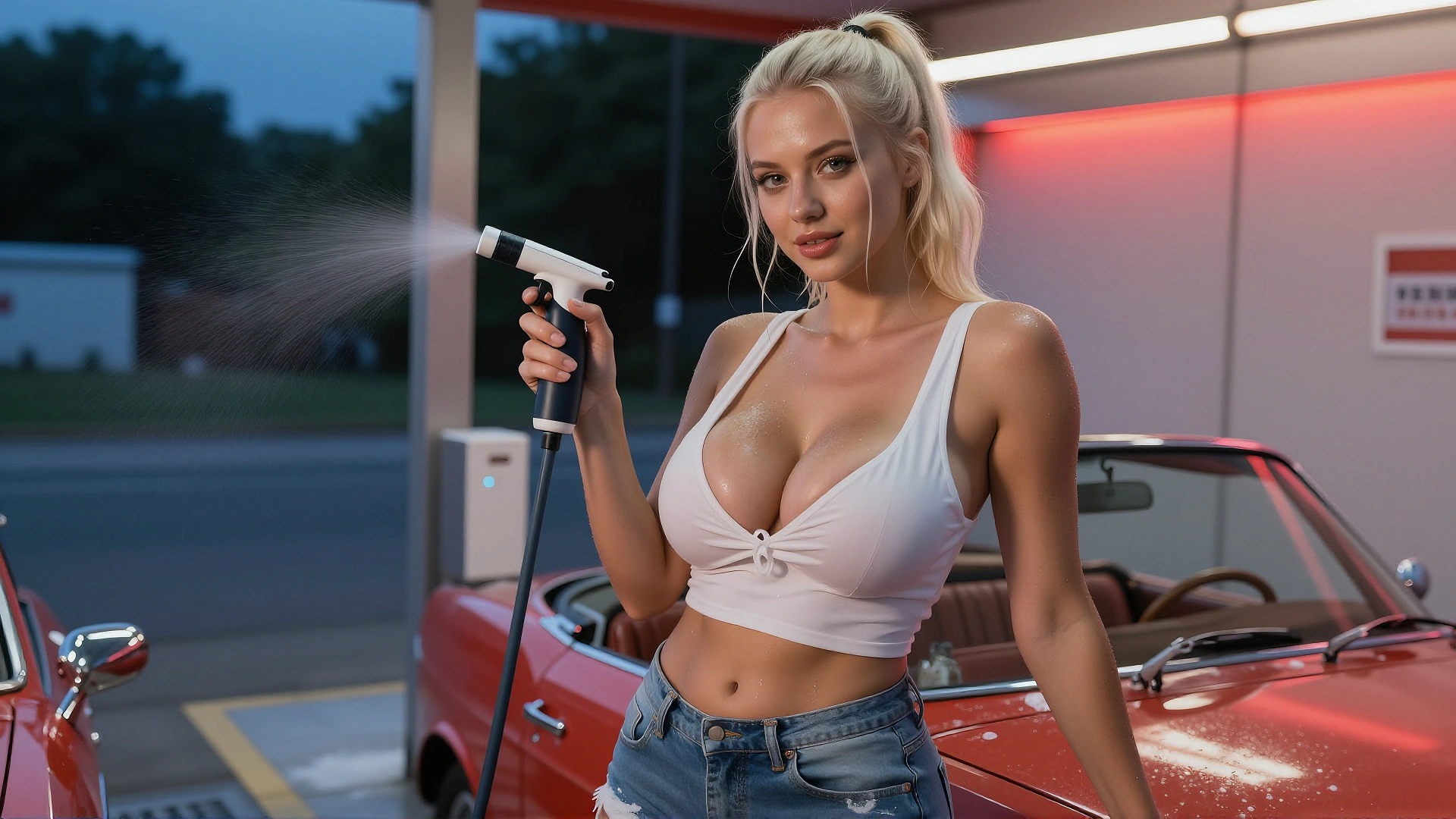
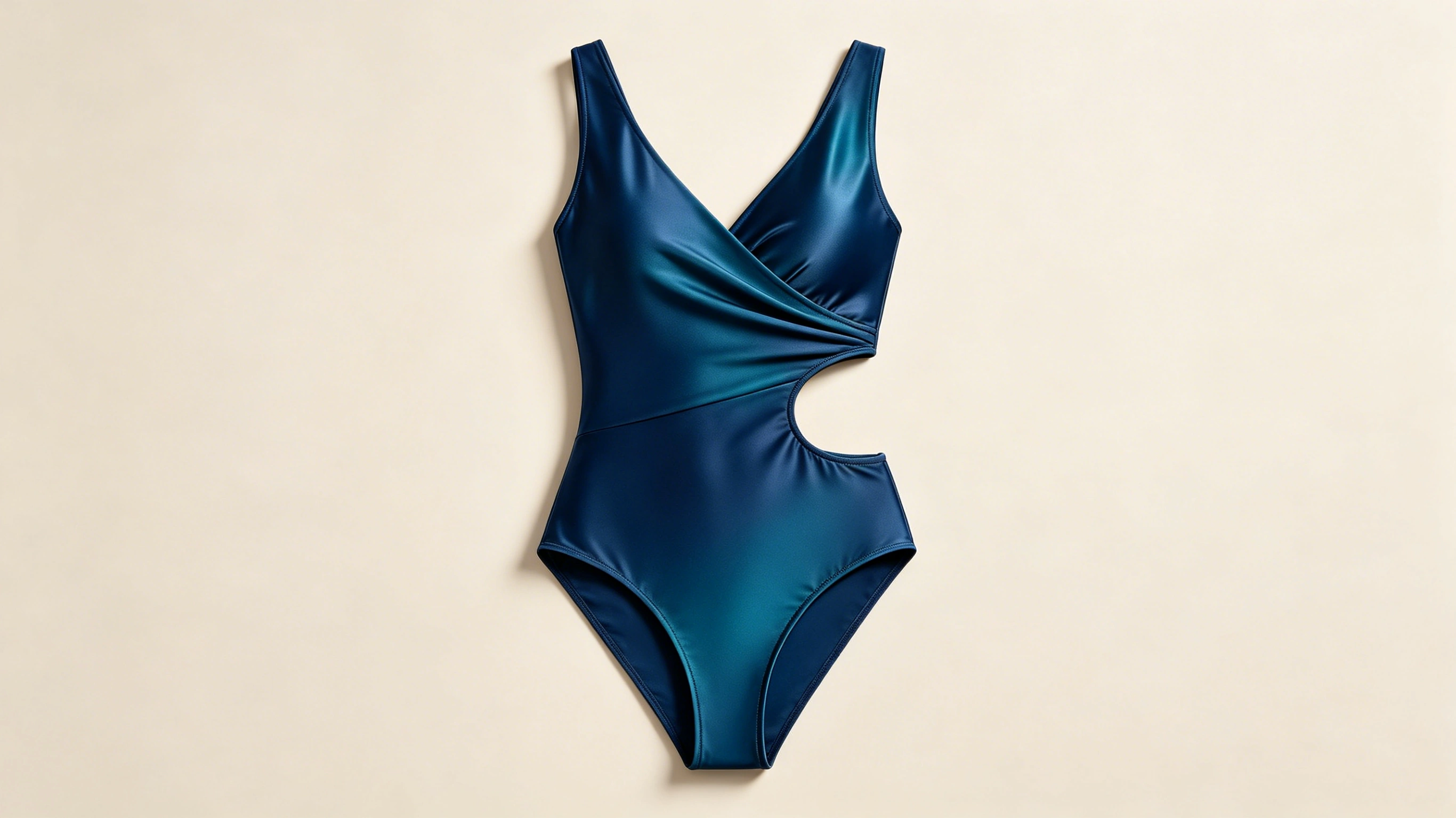
The woman was wearing a one-piece swimsuit, spraying herself with water using a water gun, and touching her body with her other hand.
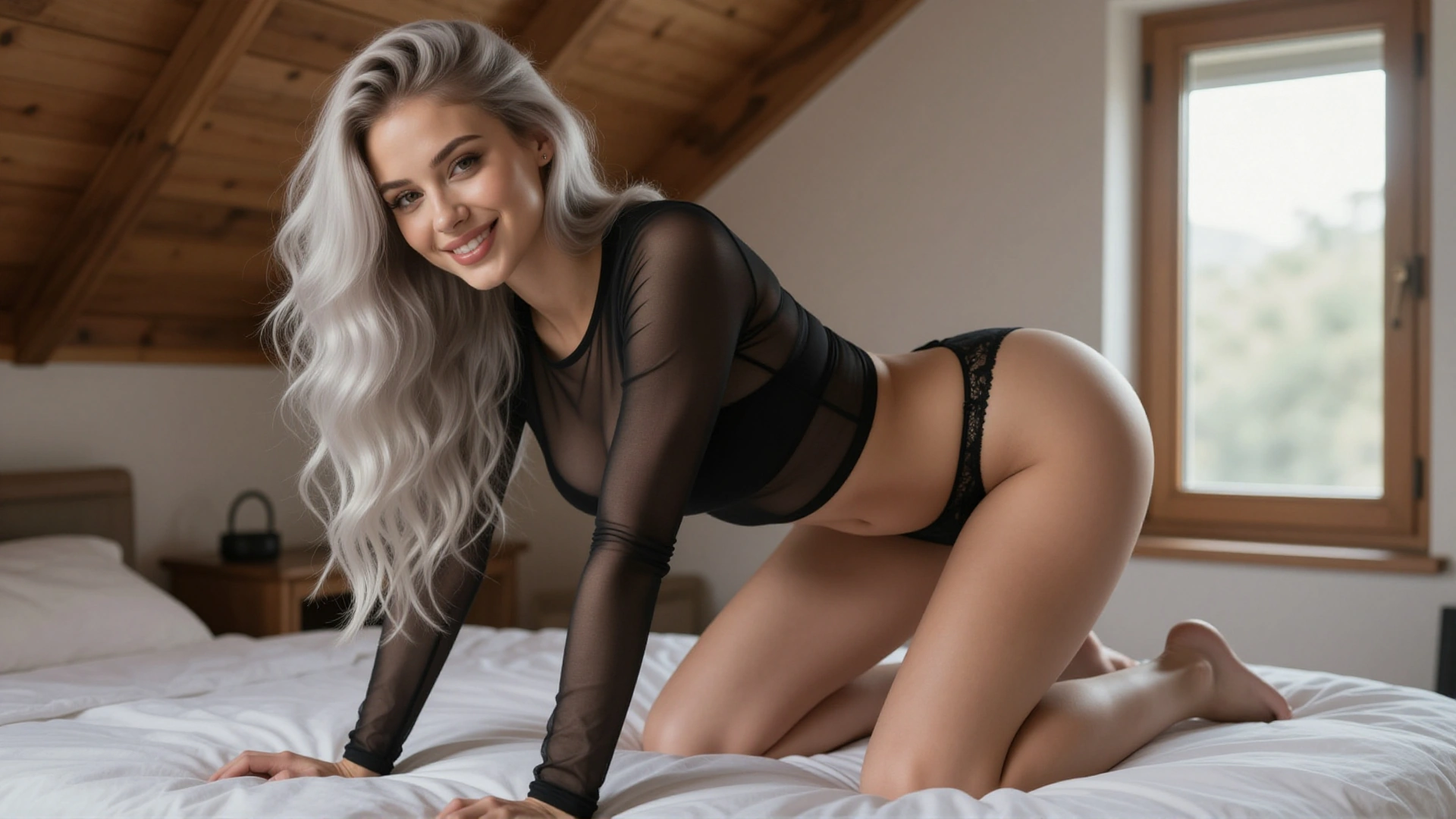
Referring to the actions in the video, the woman is making the same movements as in the video.
How It Works
Three steps. That's all it takes to go from a photo to a fully animated video with your chosen face.
Upload Your Reference
Pick any clear photo of the face you want in your video. Front-facing works best, but our AI handles angles too. You can also add a second reference for style, outfit, or scene context.
Describe Your Scene
Write a short description of what should happen in the video. Keep it natural — "she walks through a park at sunset" works just as well as a detailed cinematic prompt.
Generate & Download
Hit generate and get your video in under 60 seconds. The AI preserves the reference face throughout the entire clip. Download in 1080p, ready to use anywhere.
Why Creators Choose Reference to Video
Built to solve the biggest pain points in AI video generation. Every feature exists because real users asked for it.
Identity Lock
The face you upload is the face you get — in every frame, from every angle. Our identity embedding technology extracts over 200 facial landmarks from your reference photo and locks them into the generation process. No more "same person but slightly off" results.
Multi-Angle Stability
Most AI tools lose the face when the camera angle changes. Ours doesn't. Whether the subject turns sideways, looks up, or moves away from the camera, the identity stays locked. This is the hardest problem in reference-based video generation, and we've cracked it.
Natural Motion
AI-generated movement that actually looks human. No robotic head turns, no floating limbs, no uncanny valley moments. We've trained our motion model on millions of real human movement clips, so the physics feel right — gravity works, hair bounces, clothes wrinkle naturally.
NSFW Uncensored
The elephant in the room: most AI video tools block NSFW content entirely. We don't. If you're a legal adult creating content for yourself, we believe that's your choice. No surprise content blocks, no mystery rejections, no watered-down results.
High Resolution Output
Every video renders at 1080p with 24fps — sharp enough for social media, portfolios, or any screen. No upscaling artifacts, no blurry faces at the edges. What you see in the preview is what you download.
Fast Generation
Most clips generate in under 60 seconds. We've optimized our inference pipeline so you're not sitting around waiting for minutes while your credits drain. Generate, review, iterate — the creative loop stays fast.
How We Stack Up
An honest comparison with the most popular AI video tools on the market right now.
| Feature | BestDeepfake R2V | Kling AI | Runway | Veo 3 | ComfyUI |
|---|---|---|---|---|---|
| Face Consistency | Excellent | Very Good | Good | Very Good | Depends on setup |
| NSFW Support | Full | Restricted | Blocked | Blocked | Full (local) |
| Ease of Use | One-click | Easy | Easy | Easy | Expert only |
| Generation Speed | ~60 seconds | ~2 minutes | ~90 seconds | ~2 minutes | Varies (GPU dependent) |
| Resolution | 1080p | 1080p | 1080p | 1080p | Up to 4K |
| Cost | Free tier + affordable | Credit-based | Subscription | Subscription | Free (own GPU) |
What People Are Creating
From social media content to personal projects, see how creators use Reference to Video every day.
Consistent Character Across Multiple Scenes
Create a recurring character for your content series. Same face in the coffee shop, at the beach, in the office — your audience recognizes them instantly. No need to hire a model or learn complex LoRA training.

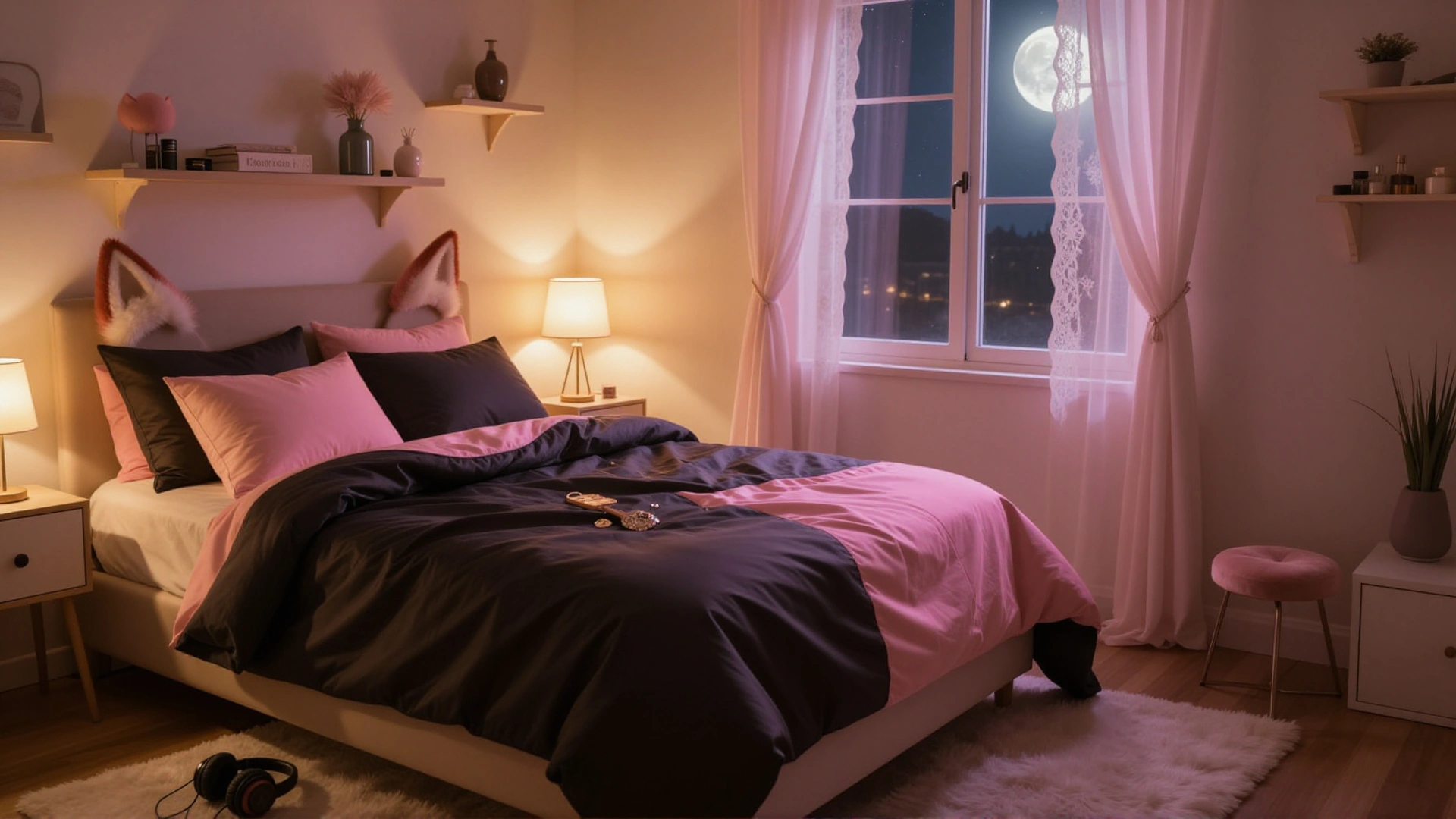
A woman is sitting or lying on a bed, with the bed in the background, and she is leaning over to blow a kiss to the camera.
Bring Any Portrait to Life
Got a stunning AI-generated portrait or a real photo you love? Turn it into a living, breathing video clip. The subject blinks, smiles, turns their head — all while keeping that exact same face you started with.
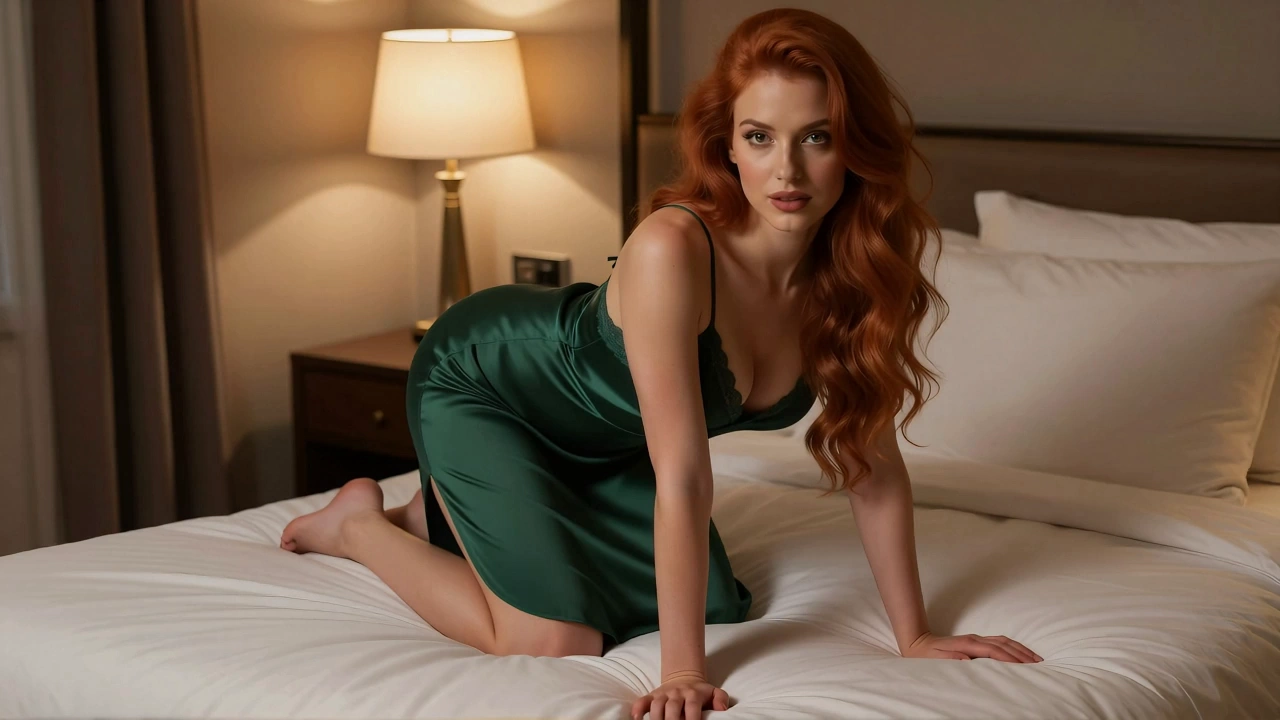
Referring to the actions in the video, the woman did the same thing: pulled down her bra strap with one hand and then blew a kiss to the camera.
Virtual Try-On Videos
See how different outfits, hairstyles, or looks work on a specific face — without a photoshoot. Perfect for fashion creators, e-commerce, or just exploring your personal style in motion.
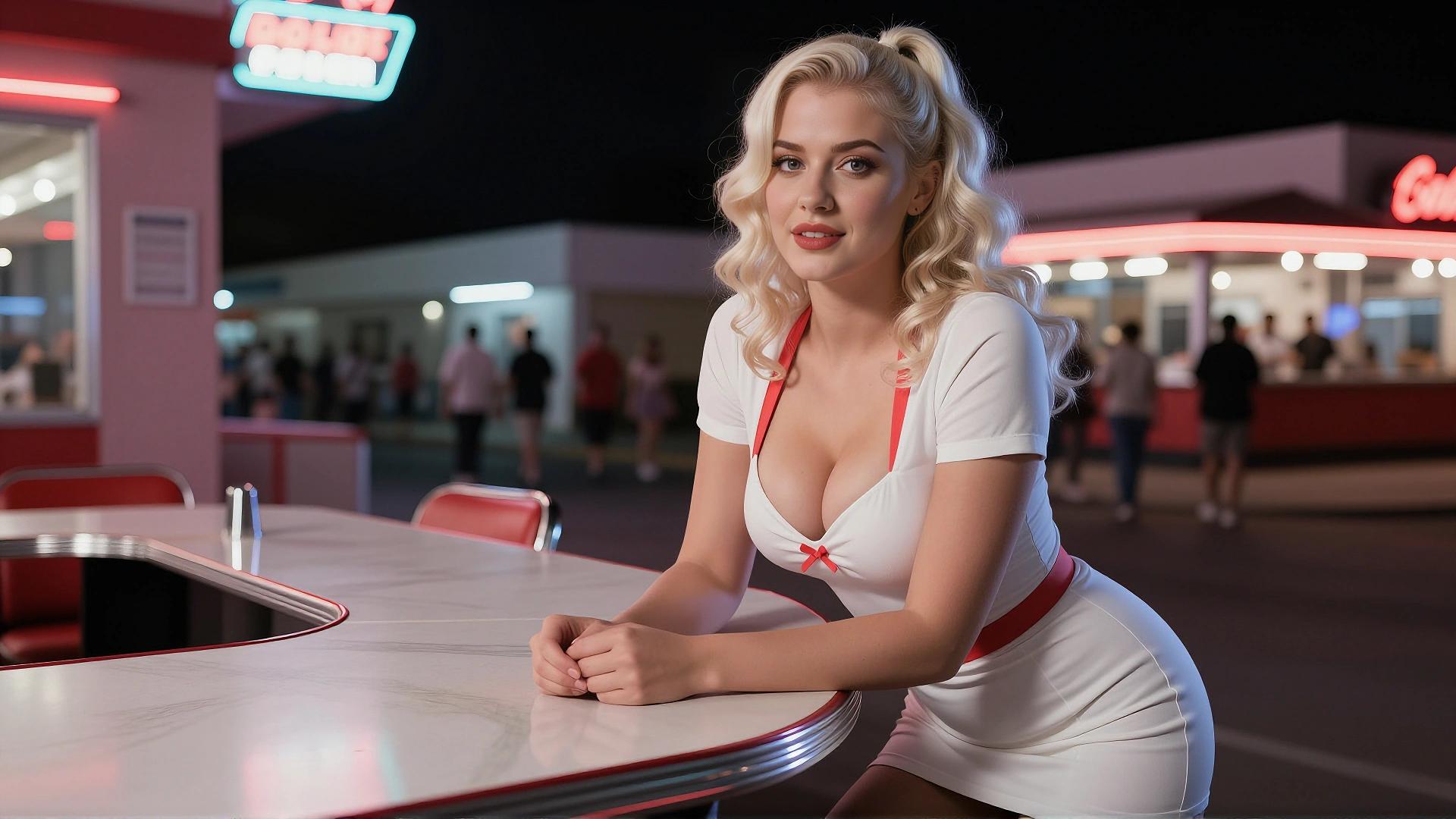
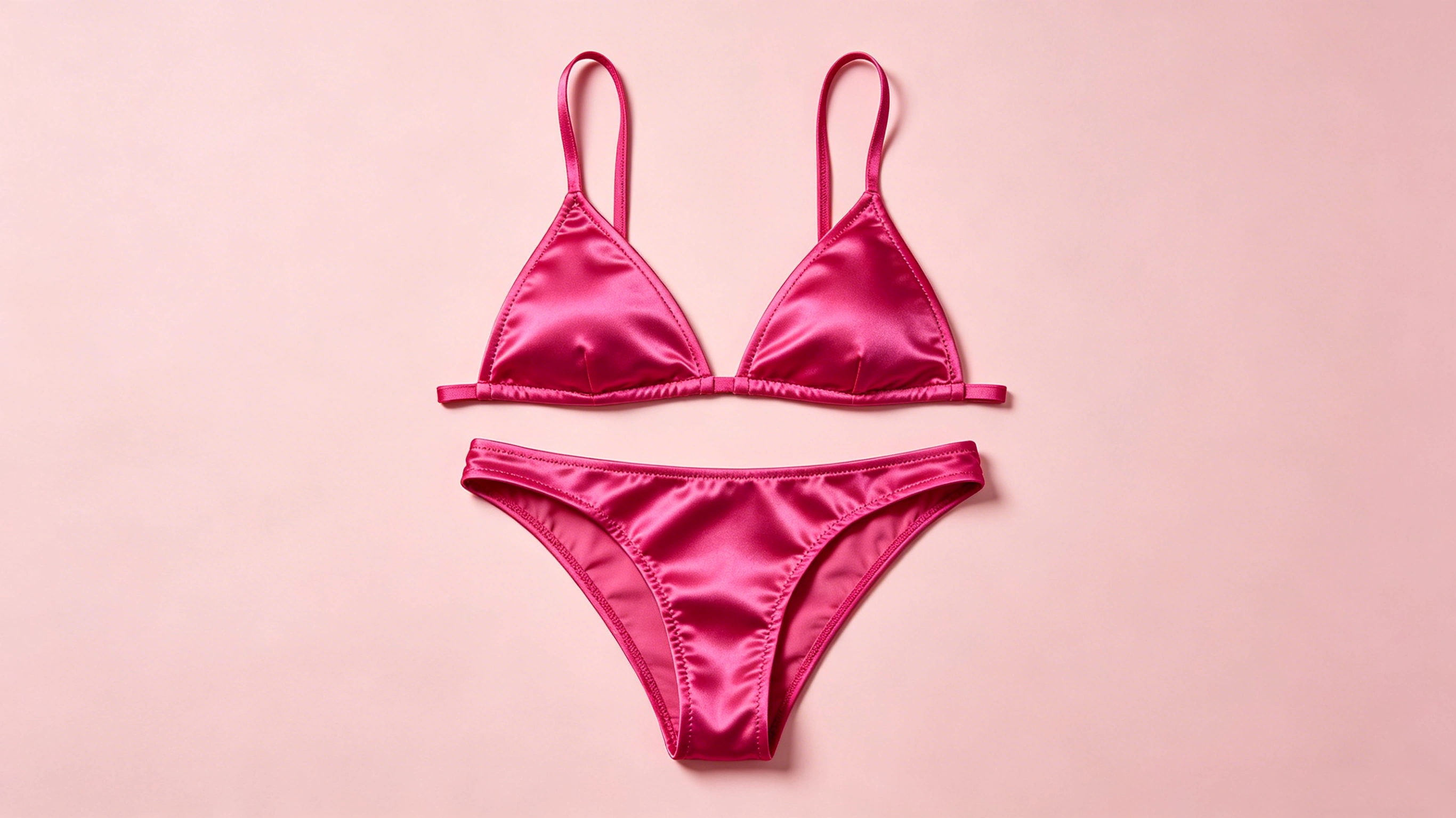
The woman was wearing a bikini and sitting there, making a heart shape with her hands in front of the camera.
Private Fantasy Scenes
Create personalized NSFW content with a chosen face and scenario. Full creative freedom, no content restrictions, no judgment. Your imagination, your video, your eyes only.
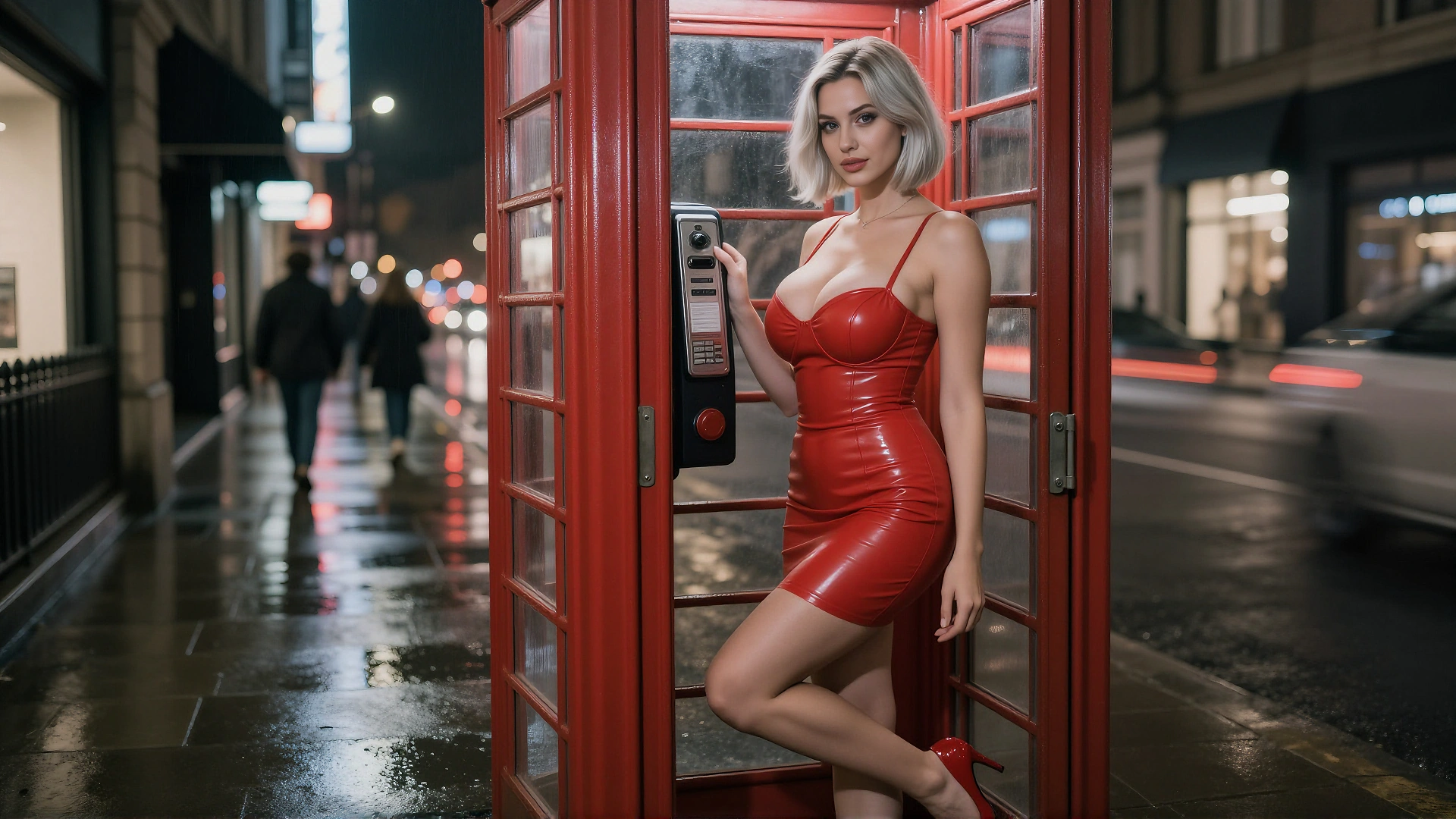
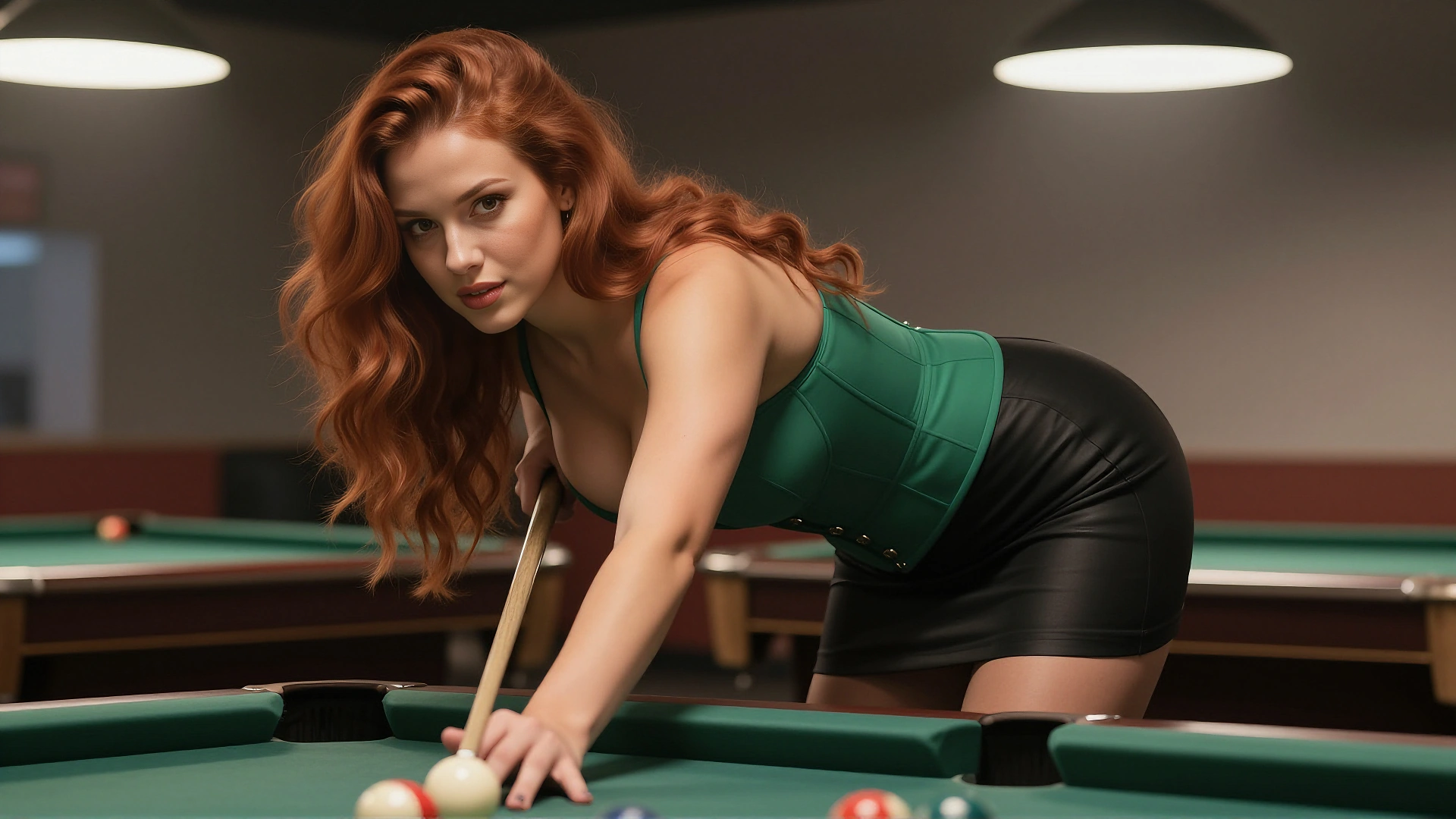
The two girls embraced each other with open arms in the bedroom.
FAQ
Ready to Try Reference to Video?
Upload a face. Write a scene. Get a video that keeps the same identity in every frame. Free credits to start — no credit card required.
Free daily credits. No watermark. No content restrictions.